Aegis
Tour and help
First-run tour
On first sign-in, a short tour dims the page and highlights one thing at a time.
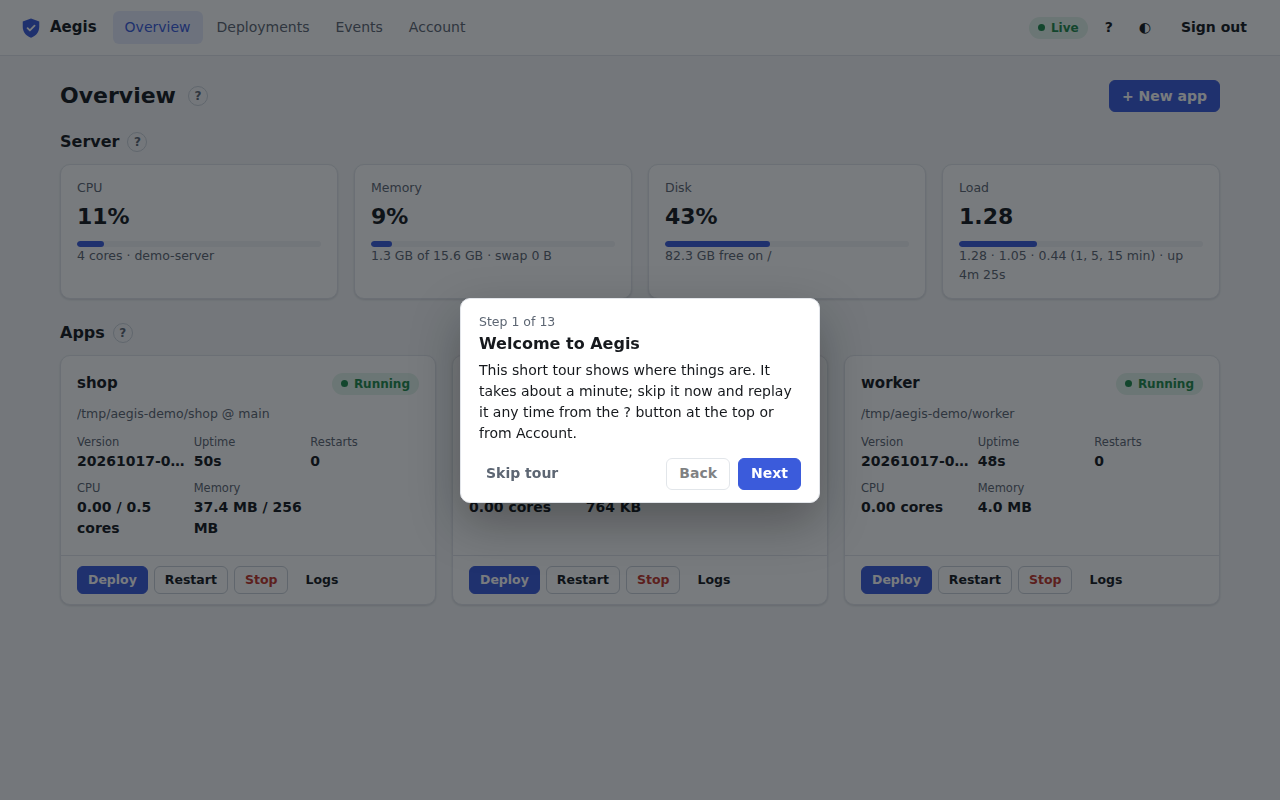
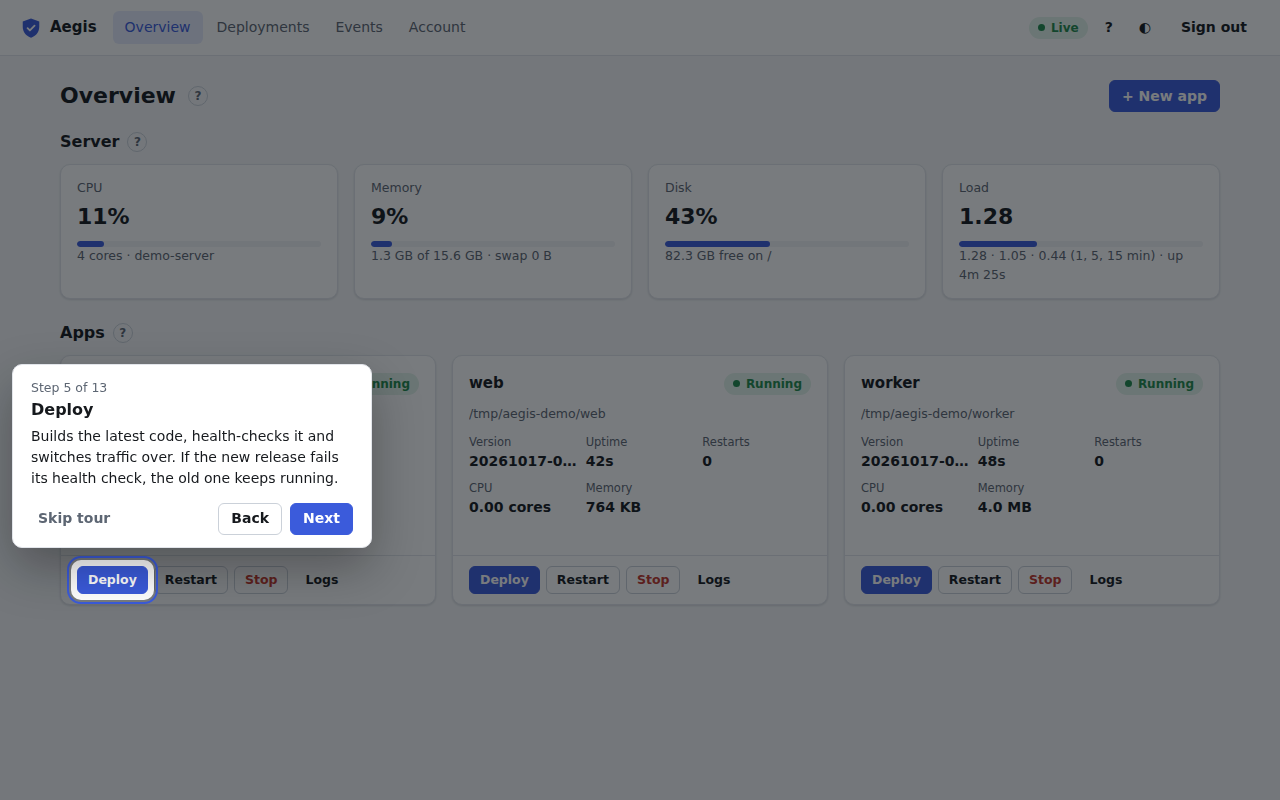
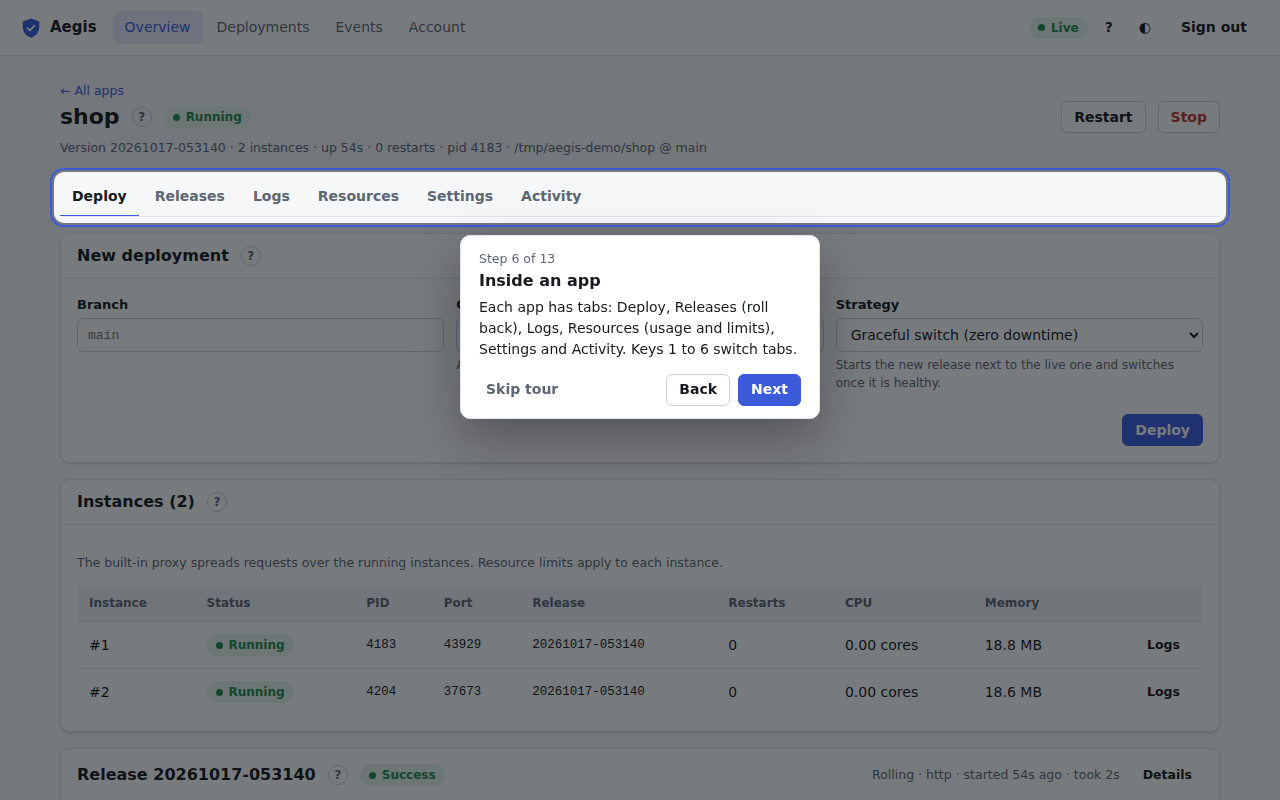
Steps: Welcome; Overview; Server health; Add an app (admins); Deploy (deployers, needs an app); Inside an app (tabs; opens the first app); Help on every section; Deployments, Events, Account; Live connection; Light or dark; Help and shortcuts.
Steps your role or setup can’t use are skipped, so the count varies.
| Control | Keys |
|---|---|
| Next / Finish | → or Enter |
| Back | ← |
| Skip tour | Esc |
Finishing or skipping counts as seen, remembered per user in this browser (a new browser shows it once more). Replay it with Take the tour in the help dialog (?) or Take the tour again under Account → Appearance & shortcuts.
Help on every section
Every page and card has a ? next to its title. Click it (or focus and press Enter):
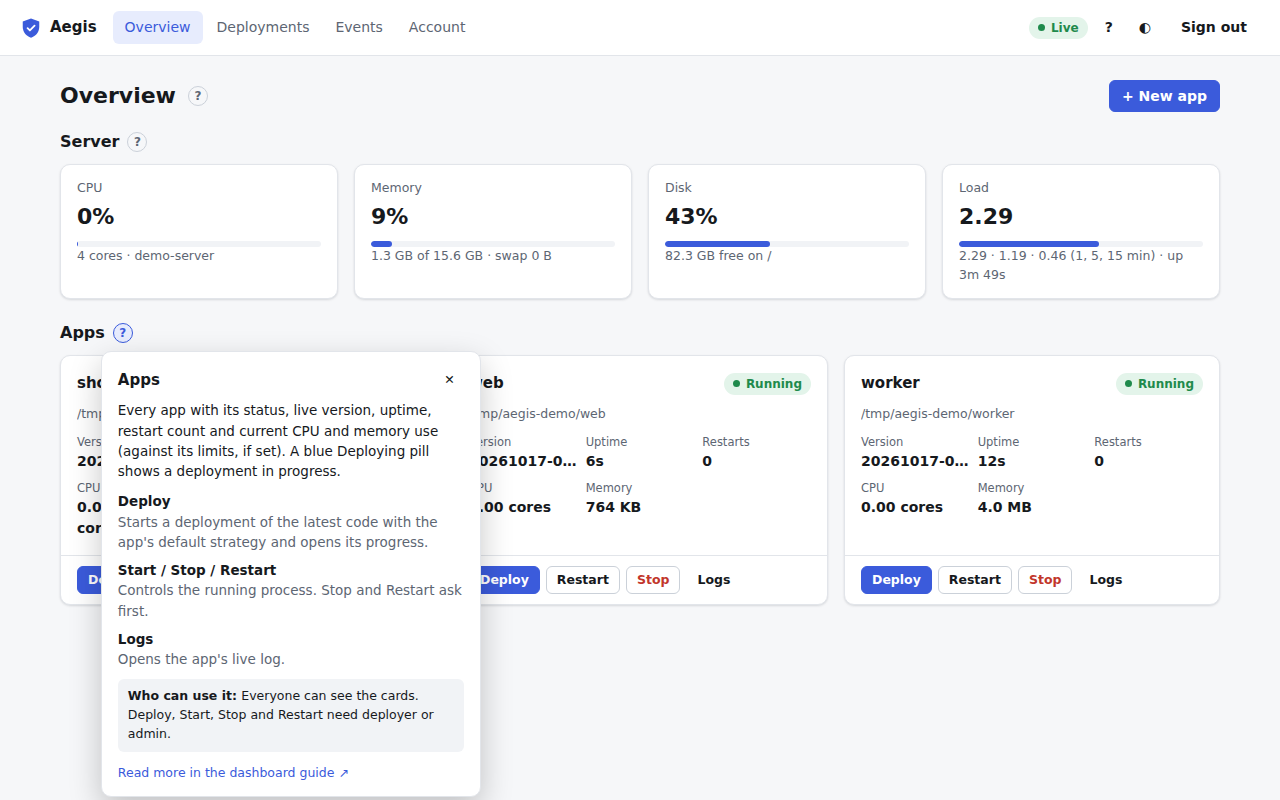
- What the section shows and what each control does.
- Who can use it.
- Read more in the dashboard guide: the matching page here.
Esc, ✕, a click elsewhere or ? again closes it. On phones it opens as a bottom sheet:
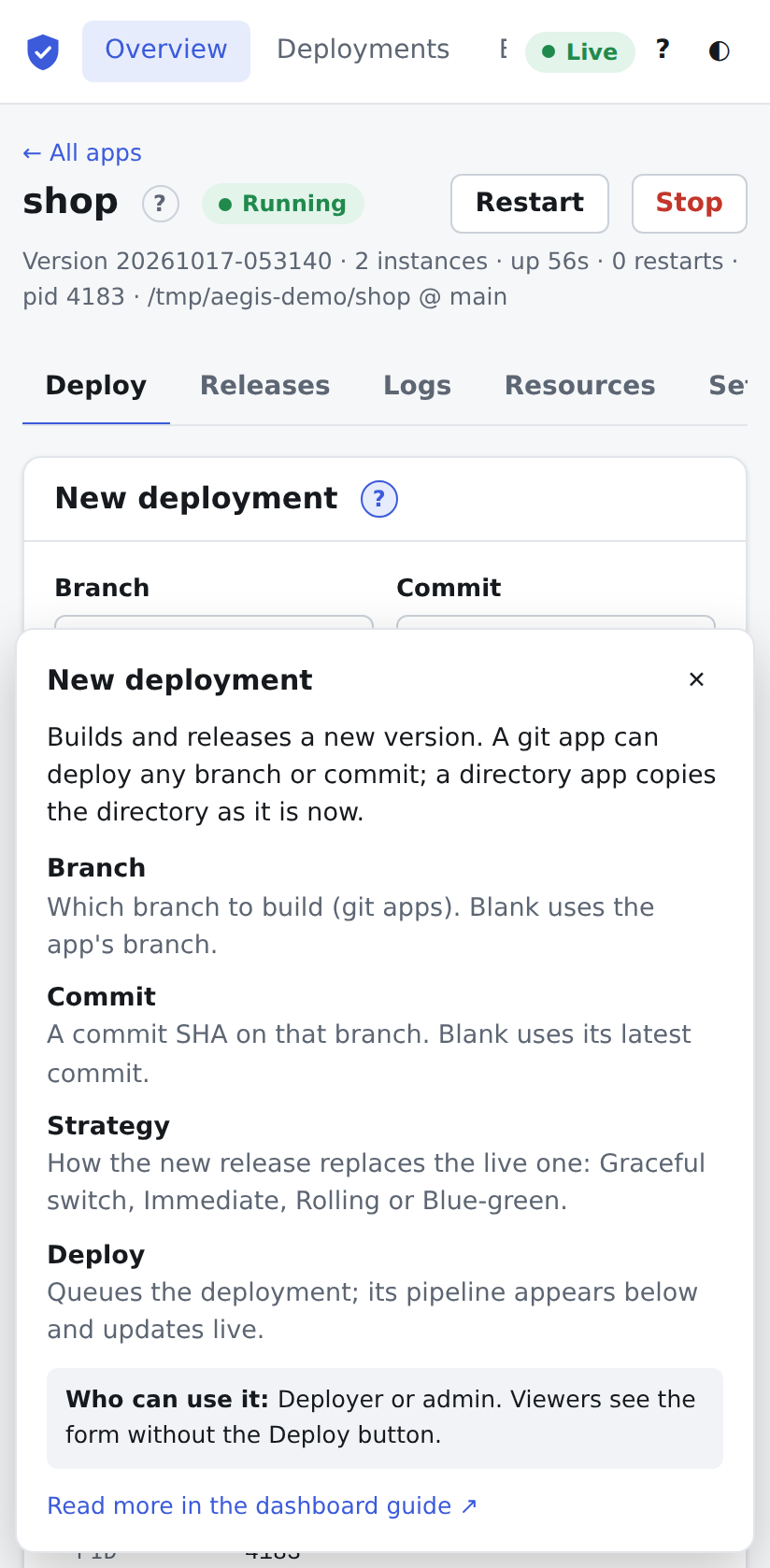
The text lives in core/web/ui/help.js. When you change a section, update its entry and the matching page in docs/dashboard/.