Aegis
Logs tab
The third tab of the app page (3). Live output: the last 500 lines first, then new lines as they are written.
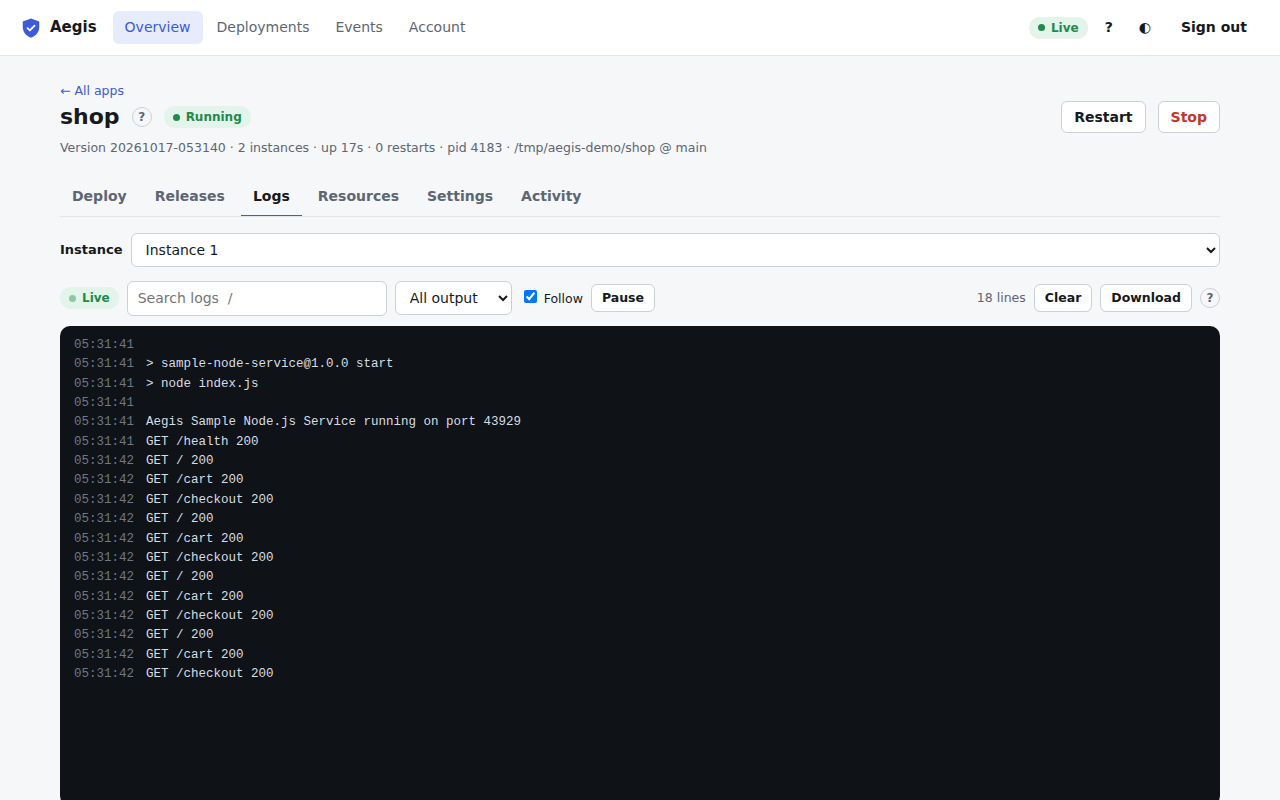
Lines are colored by level: errors red, warnings amber, debug dim, Aegis supervisor messages blue. The level comes from the wording (error, warn, debug, …); plain stderr counts as an error.
Filters
| Control | What it does |
|---|---|
| Search | Text, case-insensitive, highlighted. Tick Regex for a regular expression. Press / to jump here. |
| Level chips | Errors, Warnings, Info, Debug. Click to hide or show, with a count on each. |
| Time range | Last 5 min, 15 min, hour, 6 hours, 24 hours, or Custom range with from/to. |
| Stream menu | All output, stdout, stderr, or Supervisor only. |
The line count shows shown of loaded. The view keeps the latest 5,000 lines.
Other controls
- Follow keeps the newest line in view. Scrolling up turns it off.
- Pause / Resume freezes the view. New lines are counted and added on resume.
- Clear empties the view only; nothing is deleted on the server.
- Download saves the lines you see (after filters) as
<app>-<time>.log.
Several instances
An Instance menu picks whose output to show. Logs of the build itself are on the Deploy tab.