Aegis
Releases tab
Tab 2 of the app page (2). Each successful build is a release: a server directory with the built code and its settings. Aegis keeps the latest, including the live one: two by default (deploy.max_retained_versions in aegis.toml, see configuration).
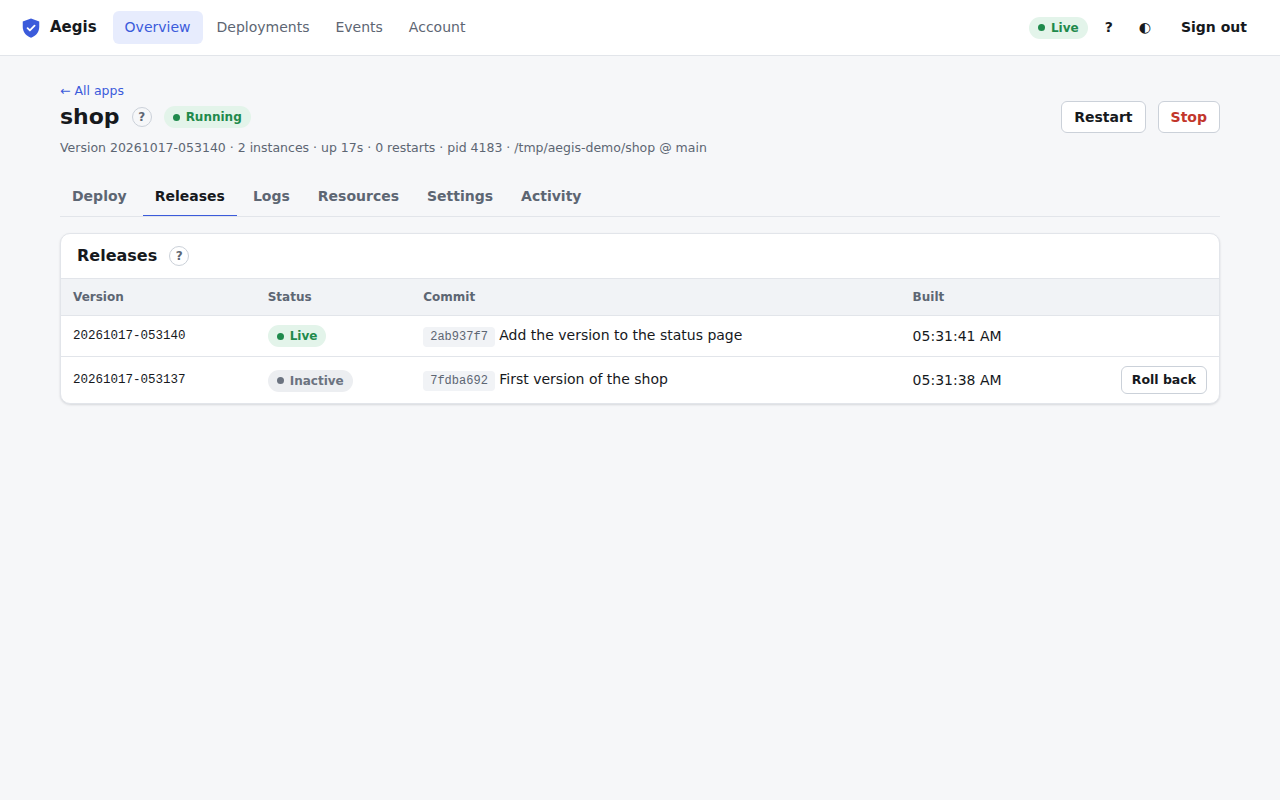
Newest first:
| Column | Meaning |
|---|---|
| Version | Release name, from the build time unless the deployment named it. |
| Status | Live (serving), Failed, or its state (Built, Inactive). |
| Commit | Short SHA and first message line (git apps). Hover for all. |
| Built | When it was built. |
Roll back
Roll back appears on non-live releases (deployers and admins):
- Click Roll back and confirm.
- Aegis starts that release, waits for its health check, then switches traffic. No rebuild; takes seconds.
- The row turns Live. The release you left stays, so you can roll forward the same way.
After Blue-green, the previous release may still be running (the Instances card says until when); rolling back then is instant.
Events: RollbackRequested, RollbackCompleted, RollbackFailed (in Activity and Events).