Aegis
Keyboard shortcuts
Press ? anywhere (or click ? in the top bar) to see them. Shortcuts don’t fire while you type in a field, while a dialog is open, or during the tour.
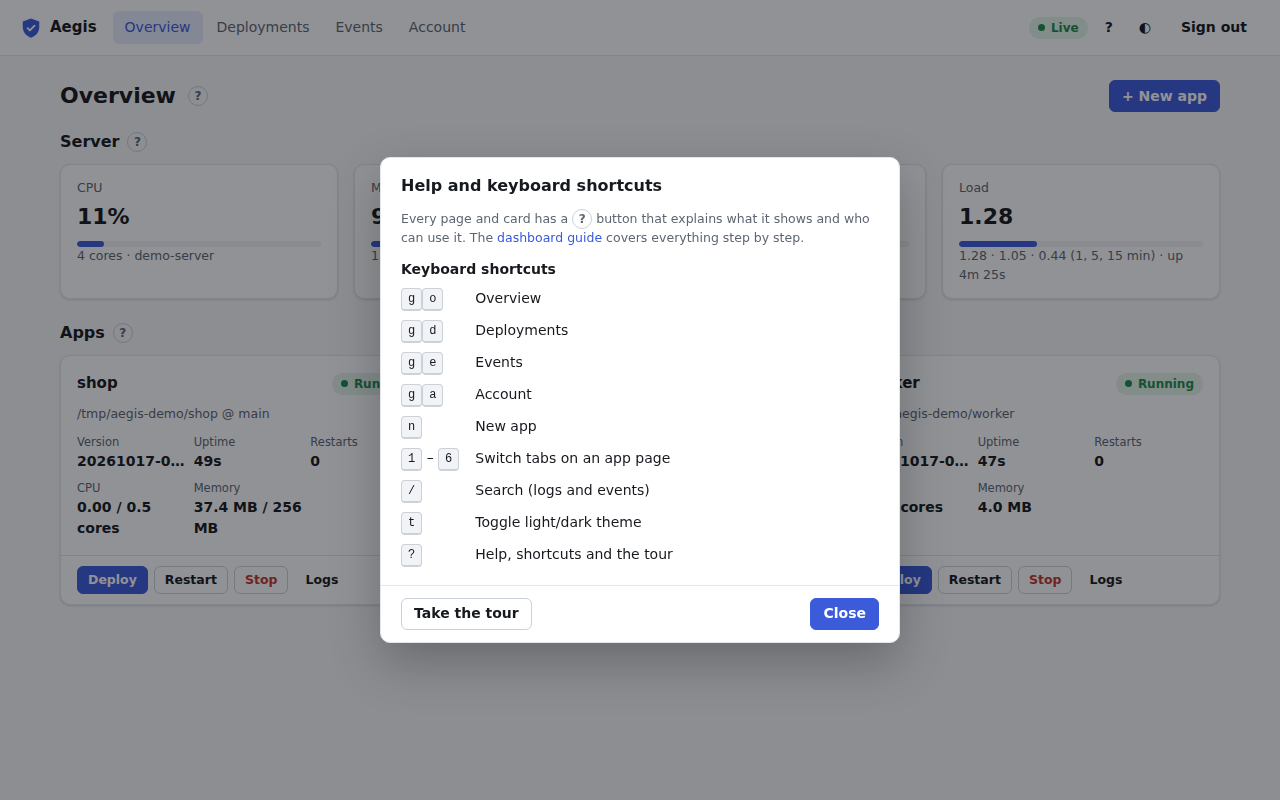
| Keys | Action |
|---|---|
| g o | Go to Overview |
| g d | Go to Deployments |
| g e | Go to Events |
| g a | Go to Account |
| n | New app (admins) |
| 1 – 6 | Switch tabs on an app page |
| / | Jump to the search box (Logs, Events) |
| t | Toggle the light/dark theme |
| ? | Help, shortcuts and the tour |
| Esc | Close a dialog or help popover; skip the tour |
For g shortcuts, press the second key within about a second.
The dialog also has Take the tour and a link to this guide.